Pepperoni roll planner
Scale a West Virginia pepperoni roll recipe to batch, mixer, pans and schedule
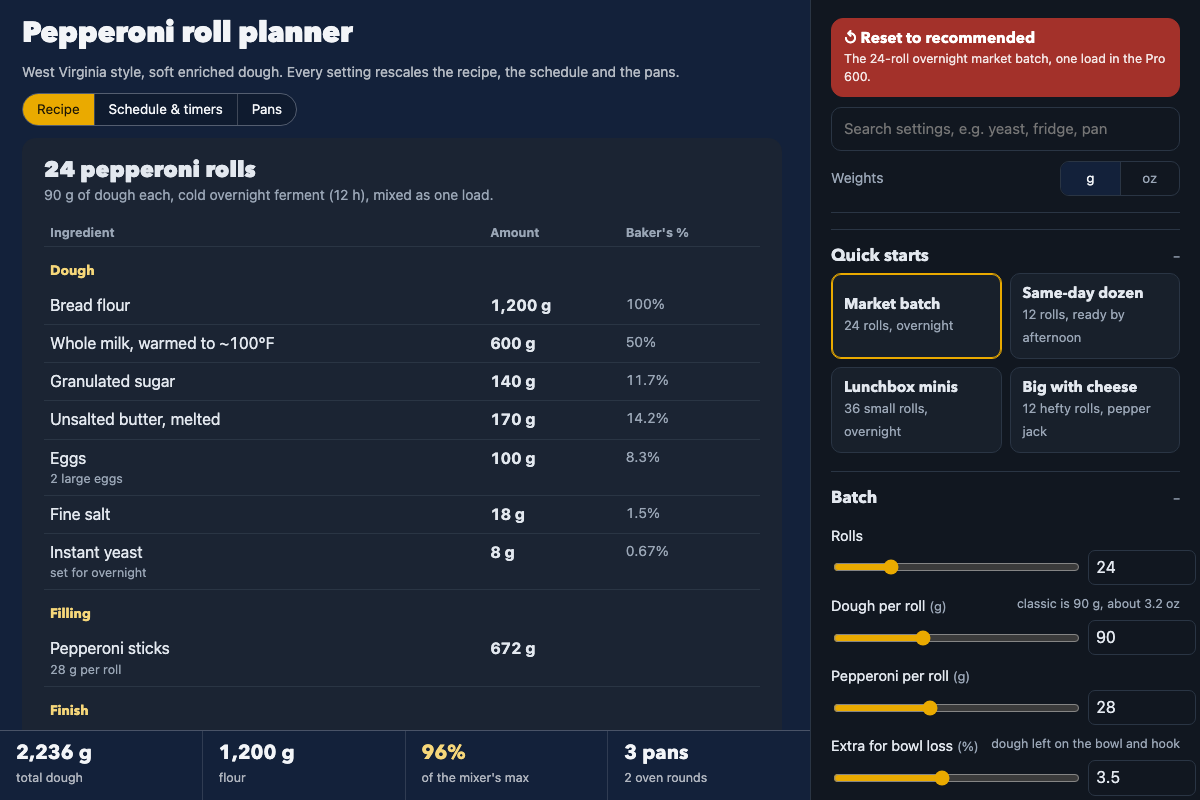
Screenshot of the tool as it opens; it is a real capture, not a mockup.
What it makes
A full recipe for a soft enriched dough in grams or ounces with baker's percentages, plus the pepperoni, optional cheese and butter or egg-wash finish for the batch; a step-by-step method and clock-time schedule for an overnight cold ferment or a same-day rise, anchored to when you want the last pan out, with a countdown timer and a done box on every step; sheet-pan layouts drawn at proofed size so you can see rolls per pan and oven rounds; mixer load checks for common stand mixers with a split-load method when one bowl is not enough; and a Markdown recipe export plus a JSON settings file you can reopen later.
How to use it
- Start from a quick start (Market batch, Same-day dozen, Lunchbox minis, Big with cheese) or set the roll count and dough weight per roll yourself.
- Adjust the dough (flour type, hydration and enrichment percentages, yeast), the filling (pepperoni style and weight, cheese), the fermentation (overnight hours or same-day, kitchen temperature) and your mixer.
- Choose your pan size, rolls per oven round, spacing, oven temperature and bake time.
- Set the anchor: the time you want the last pan out, or the time you plan to start. The Schedule & timers tab lays out every step with clock times; tap a step's timer when you reach it.
- Use the Pans tab to check the layout and oven rounds.
- Download the recipe as Markdown, or save your settings as JSON and open them again with the Open settings file button.
Build notes
- Settings and step checkmarks stay in the browser between visits when storage is available.
- Timers use the browser clock and only run while the page is open.
- Works fully offline once opened; nothing is fetched.