Langstroth hive builder
Cut list for Langstroth beehive boxes, bottom board and covers
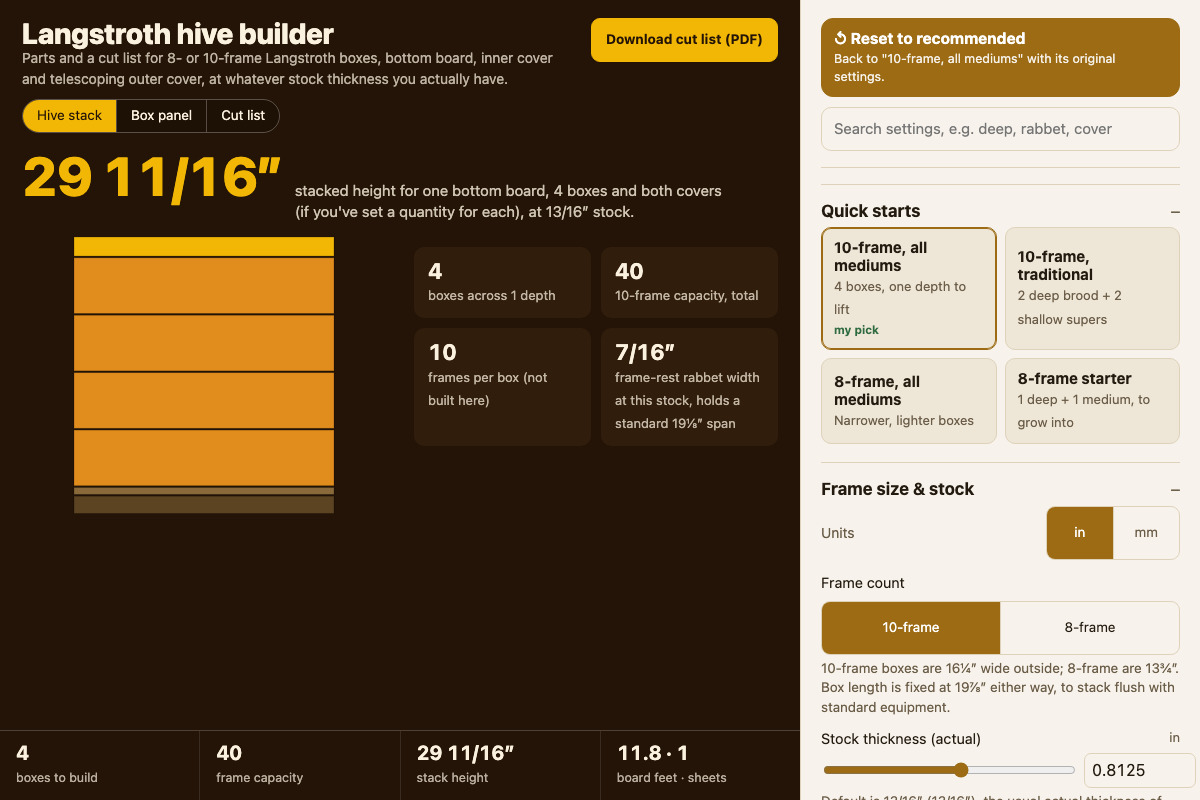
Screenshot of the tool as it opens; it is a real capture, not a mockup.
Thanks, your report was sent.
Report a problem or a newer version
What it makes
A complete parts and cut list for Langstroth hive woodenware: the long sides and frame-rest-rabbeted end boards for however many deep, medium and shallow boxes you need, plus a bottom board, inner cover and telescoping outer cover, each broken into its own boards and panels with lengths, widths and thicknesses. A board-feet estimate covers the solid lumber and a sheet count covers the plywood panels.
How to use it
- Start from a quick start (10-frame all-medium, 10-frame traditional deep-and-shallow, 8-frame all-medium, or an 8-frame starter set) or set your own box counts.
- Pick 8- or 10-frame width and enter your actual stock thickness — nominal 3/4" lumber usually measures closer to 13/16" actual.
- Choose corner joinery (butt, corner rabbet or box joint), then measure your stock's actual thickness and enter it — the frame-rest rabbet width follows from it, and you can set the rabbet depth separately.
- Set how many deep, medium and shallow boxes to build, and how many bottom boards, inner covers and outer covers.
- Read the warnings for anything that won't fit, then download the cut-list PDF, or the Markdown, SVG or DXF versions.
Build notes
- Outside box dimensions, depths, the frame-rest rabbet and bee space follow the dimensions published by major US beekeeping-supply catalogs and university extension beekeeping guides; inside dimensions follow from those plus your stock thickness.
- Frames are out of scope — this tool only builds the boxes and woodenware around them.
- The SVG and DXF exports show each distinct board shape once, not a nested sheet layout; works fully offline once opened.