Sliceform wall pod
Laser cut files for a ring-stack planter that hangs on a wall or cabinet
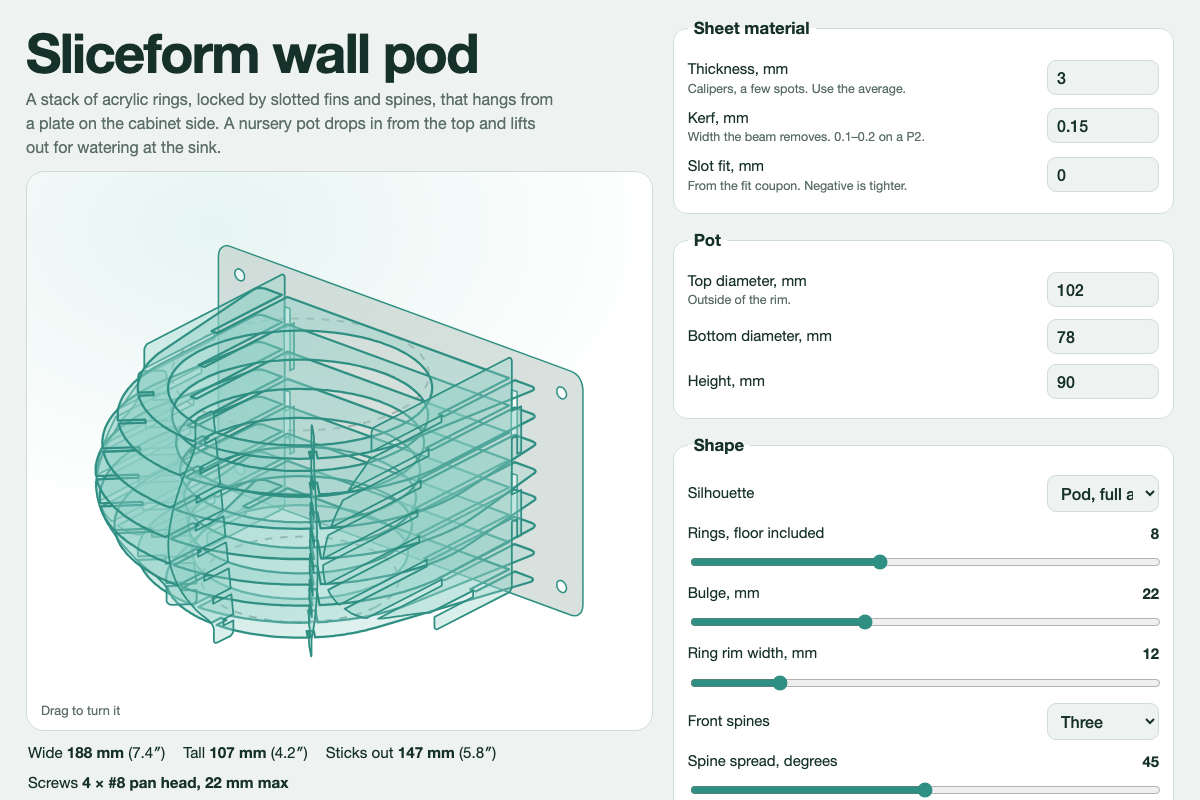
Screenshot of the tool as it opens; it is a real capture, not a mockup.
What it makes
Laser cut files (SVG, mm) for a stacked-ring planter pod that hangs on a wall or cabinet side.
How to use it
- Set the pod size, ring count and material thickness.
- Watch the stack preview update; thin rings look lighter, more rings look smoother.
- Export the fit-test coupon and cut it before the full job.
- Export the sheets. Red is cut, blue is score, black is a label.
Build notes
- This is the earlier design that led to the Wall planter box; both come from the same project.
- Stack the rings in the order of their labels; the labels are scored, not cut.